Study planner printable
A free study planner printable: a one page weekly table for subject, task, due date and minutes, plus boxes for your top three and your exam dates.
Updated 21 October 2026. Sources named on the page.
- Twelve rows for subject, task, due date and minutes
- A top three box and an exams and due dates box
- A4 and US Letter, black and white friendly
- Free to print for yourself
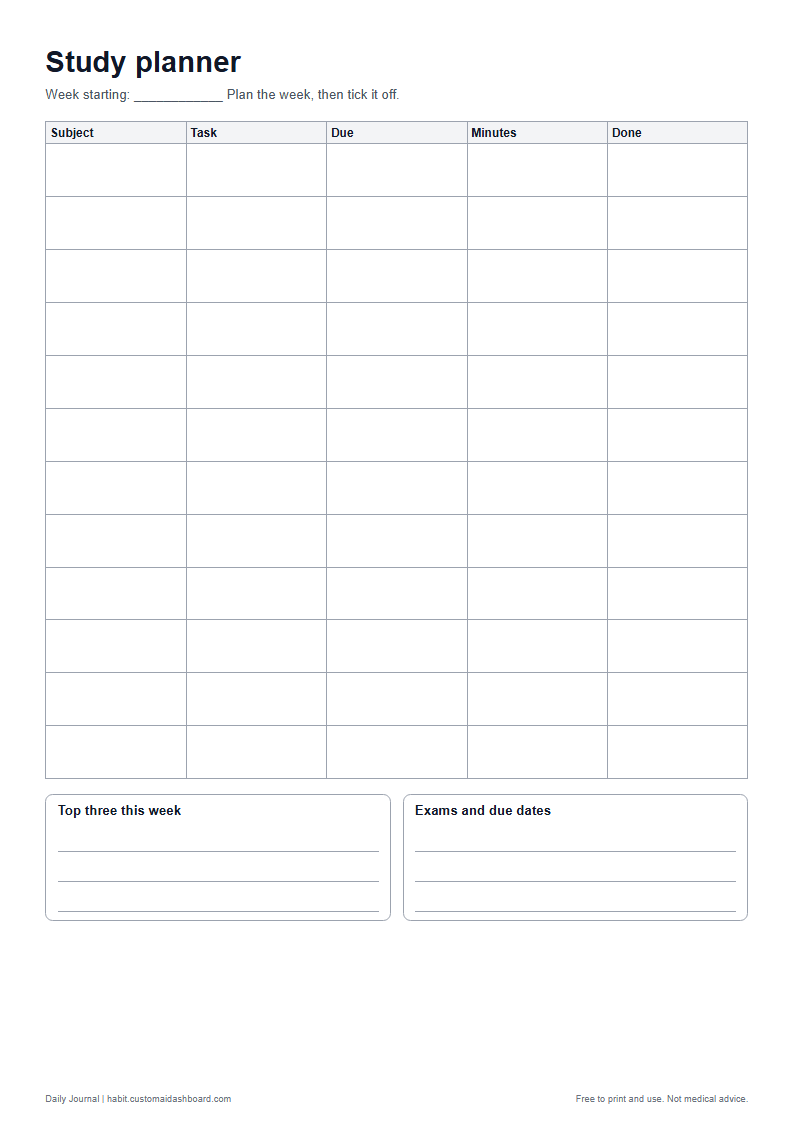
What is on the sheet
- Twelve task rows with five columns
- A done column to tick off
- A top three this week box
- An exams and due dates box
The picture shows the A4 study planner printable. The US Letter version has the same layout.
How to use it
Start with the dates: write the exams and due dates in the box at the bottom. Then list each task as one row with the subject, what you will do, the day it is due and how many minutes you plan to spend. Tick the last column when it is done.
Make each row small
A row that says "read chapter 4 and make five notes" can be finished. A row that says "study history" cannot. Break big tasks into rows you could complete in one sitting, and give each a time so you can see how the week fits together.
Pick three for the week
The top three box is for the tasks that matter most if the rest slip. Write them first and give them the best times in your week. Anything on the table that is not in the top three can move when something comes up.
Put the hard rows in your best hours
Most people have a time of day when study goes easiest. Notice yours for a week, then put the longest or hardest rows there, and the lighter ones, such as tidying notes or reading ahead, in the slower hours. The minutes column helps you see whether the day you planned will really fit.
A five minute check on Sunday
At the end of the week, look at the done column. Rows left unticked are information: perhaps they were too big, or the minutes were too few. Carry them over only if they still matter, and write the next week with that in mind.
Plan on paper, track in the app
Paper works well for planning the week. If you want reminders and a streak for the days you did your study block, the Daily Journal habit tracker does that, and three habits are free.
Questions
How many tasks does the planner hold?
Twelve rows a week. If you have more, group small tasks into one row, or print a second page.
What should I put in the minutes column?
How long you plan to spend. After the session, you can write the real time beside it to see how close you were.
Can I use it for school or university?
Yes. It is blank, so it works for school, TAFE, university or a short course.
Does it come in A4 and US Letter?
Yes. Both sizes have the same layout.
Keep going
Tools that go with this page
Each one shows an example screen, what the paid apps charge and what the Daily Journal does today.
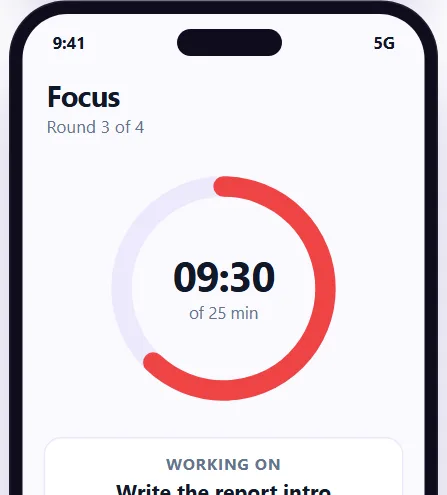 Pomodoro timer
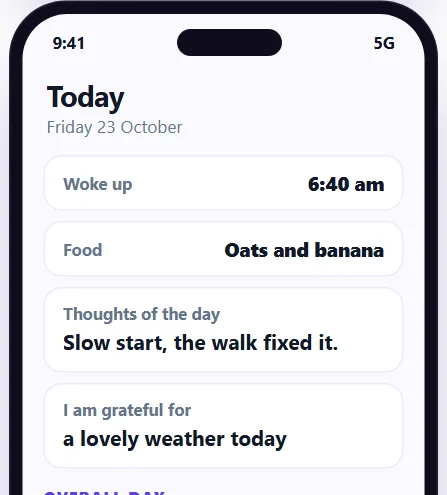 Journal app
Keep going after the study planner printable
Sign up free for the Daily Journal app: habits, food, mood and sleep in one private place. Free to start.